Save the page. Keep the reason.
A bookmark manager that saves any page in one click, with a note on why it mattered. Free, and it stays on your device.
Also works in Brave and Edge. Firefox, Android and iOS are coming soon.
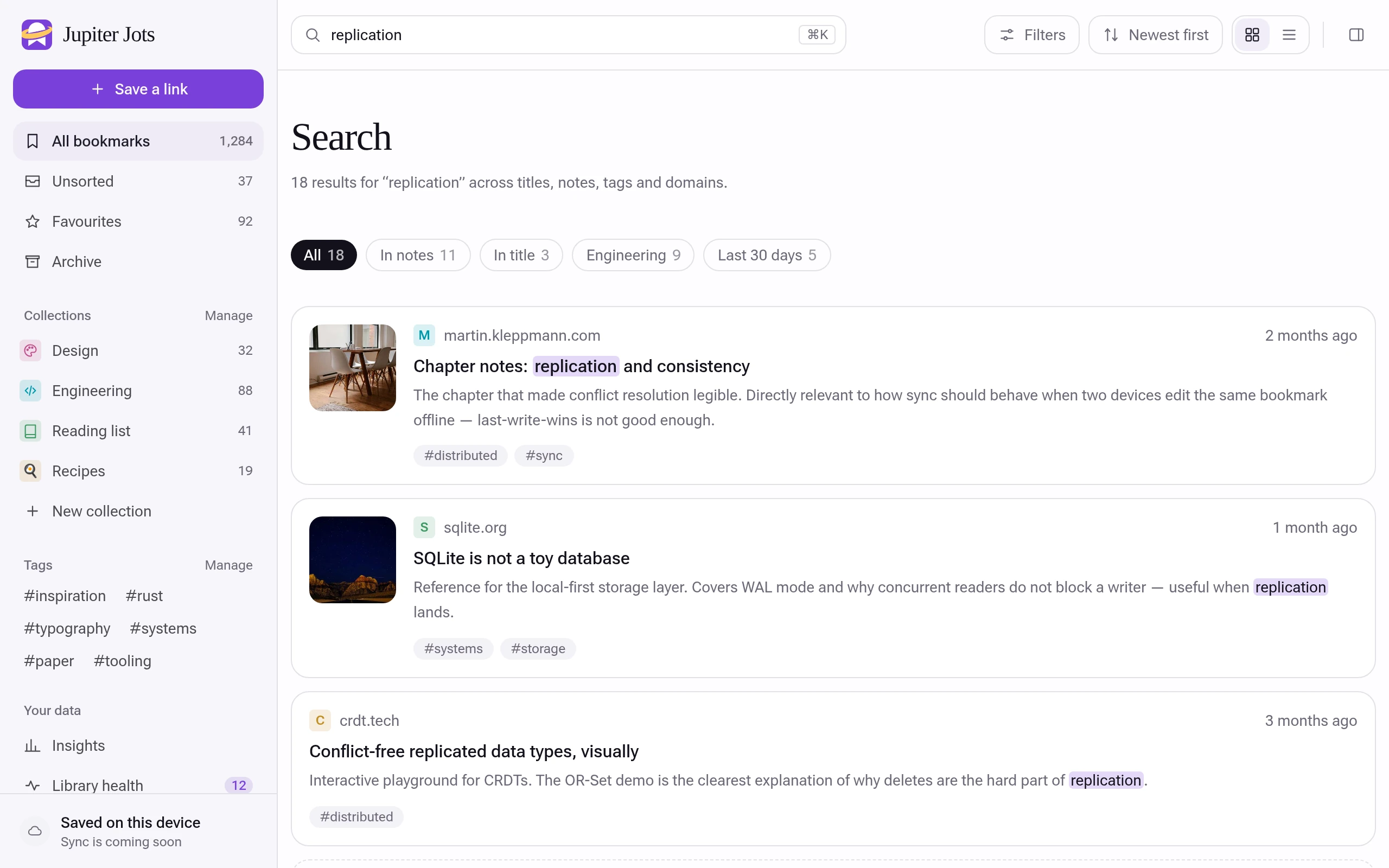
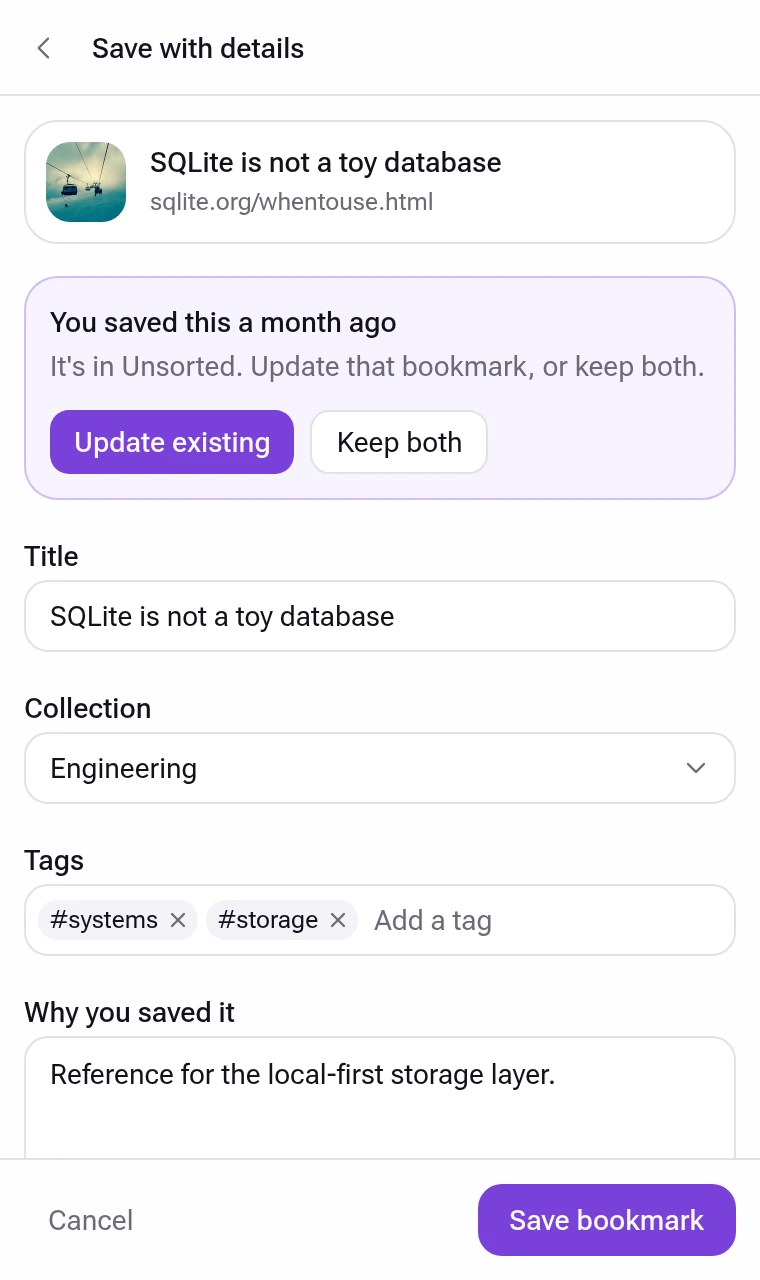
- One click
- Save the tab you are on from the toolbar, a right-click or Alt+Shift+S.
- A note for future you
- Write why you saved it. Search finds it by that note later.
- Collections that nest
- Folders inside folders, with tags, favourites and an archive.
- Yours alone
- No account and no server. Your library lives in your browser.
One library, three places
The full-screen library, the toolbar popup and the side panel are the same app. Save from one, sort in another.
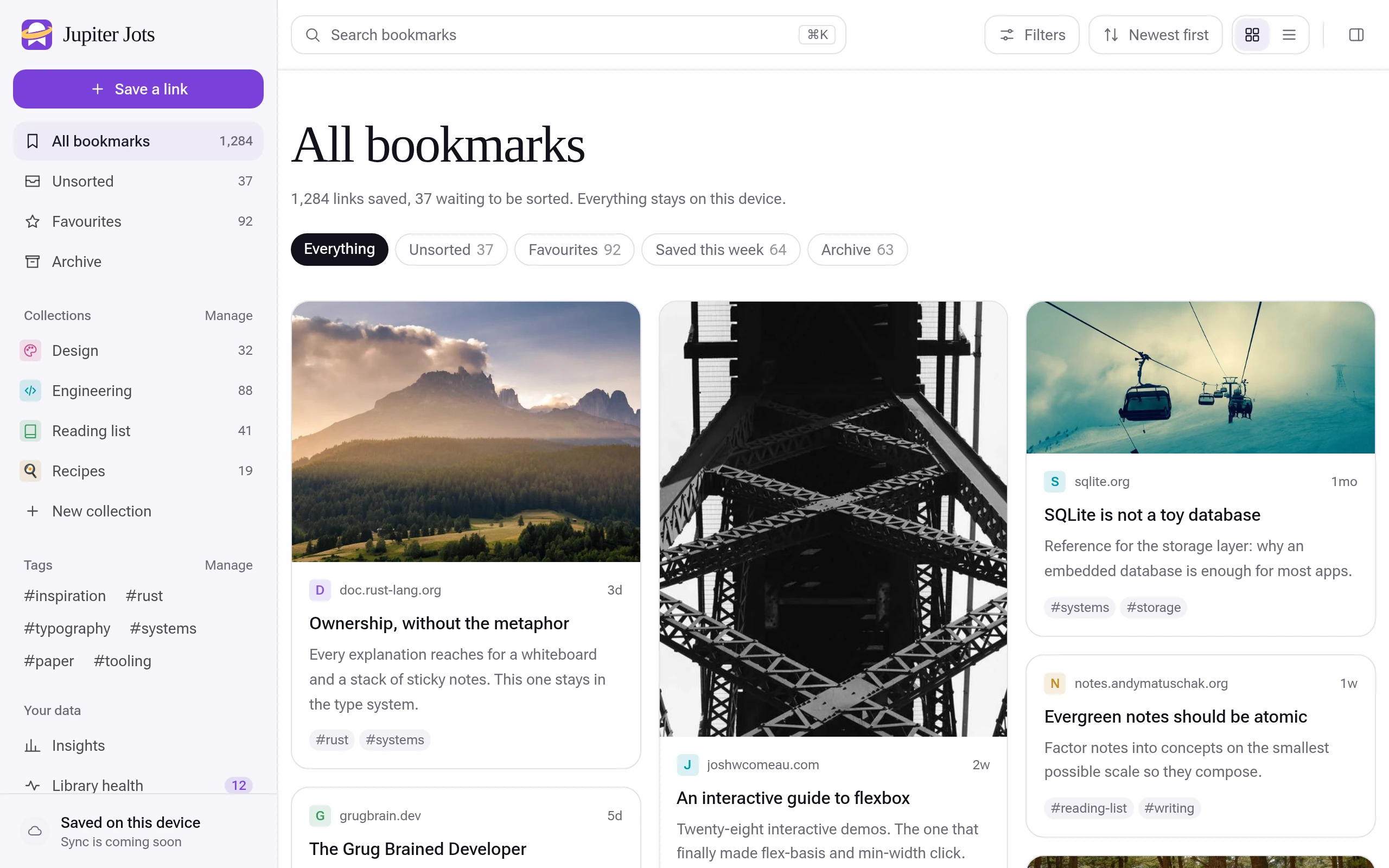
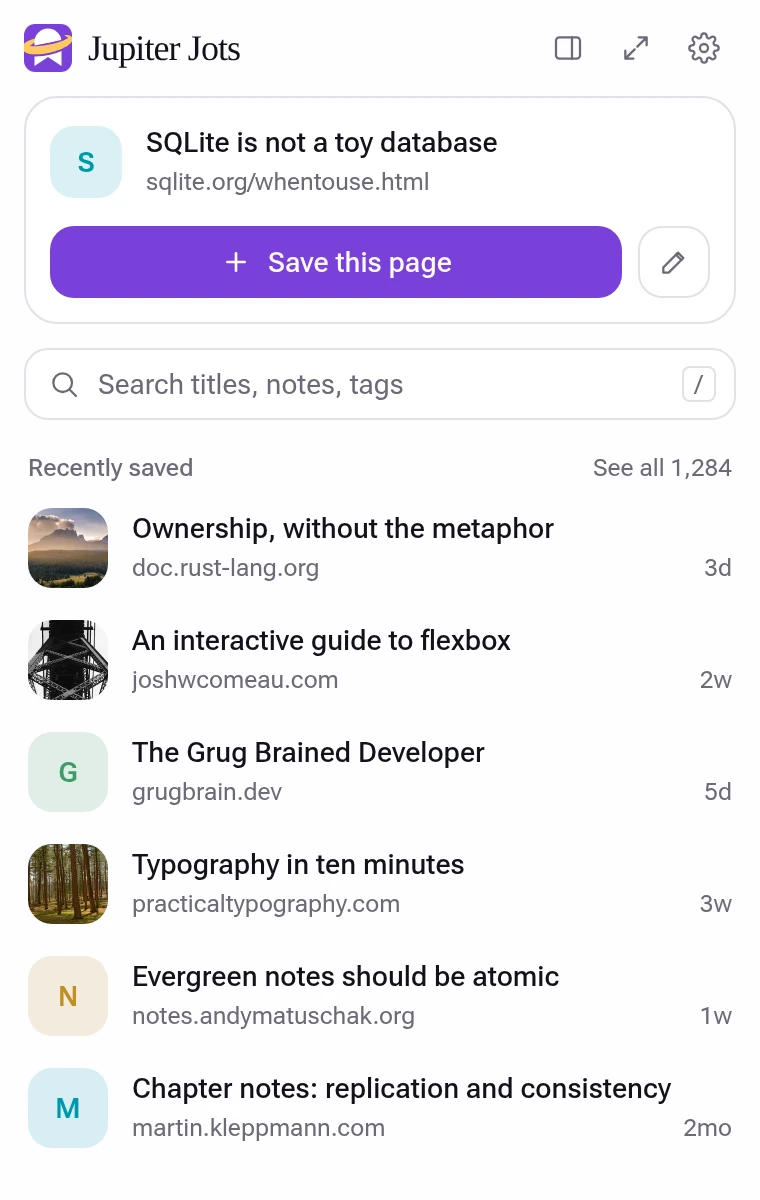
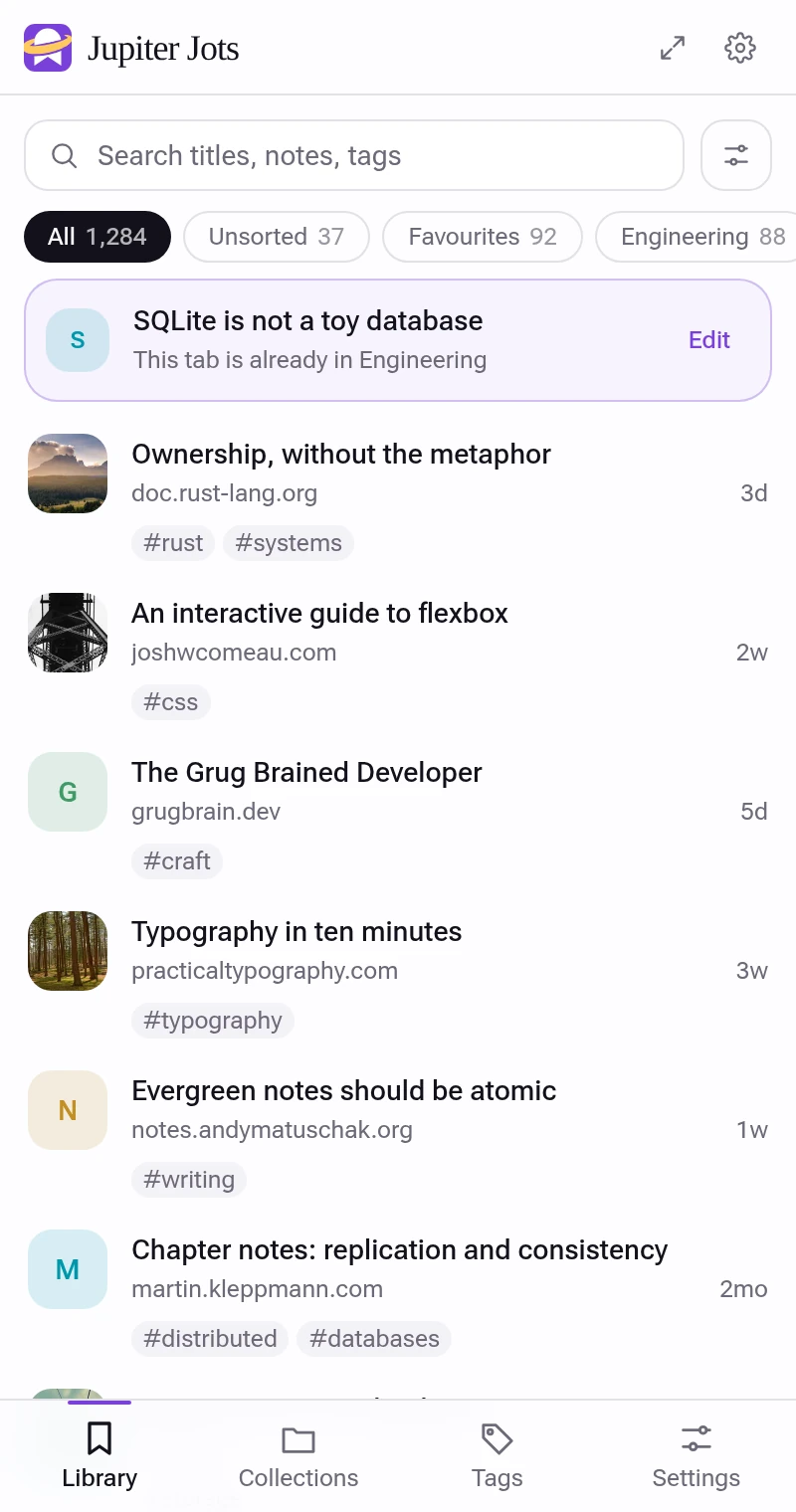
Collections inside collections
Nest them as deep as you like and give each an icon, emoji or colour. Search covers titles, notes, page descriptions and tags.

Bring your bookmarks with you
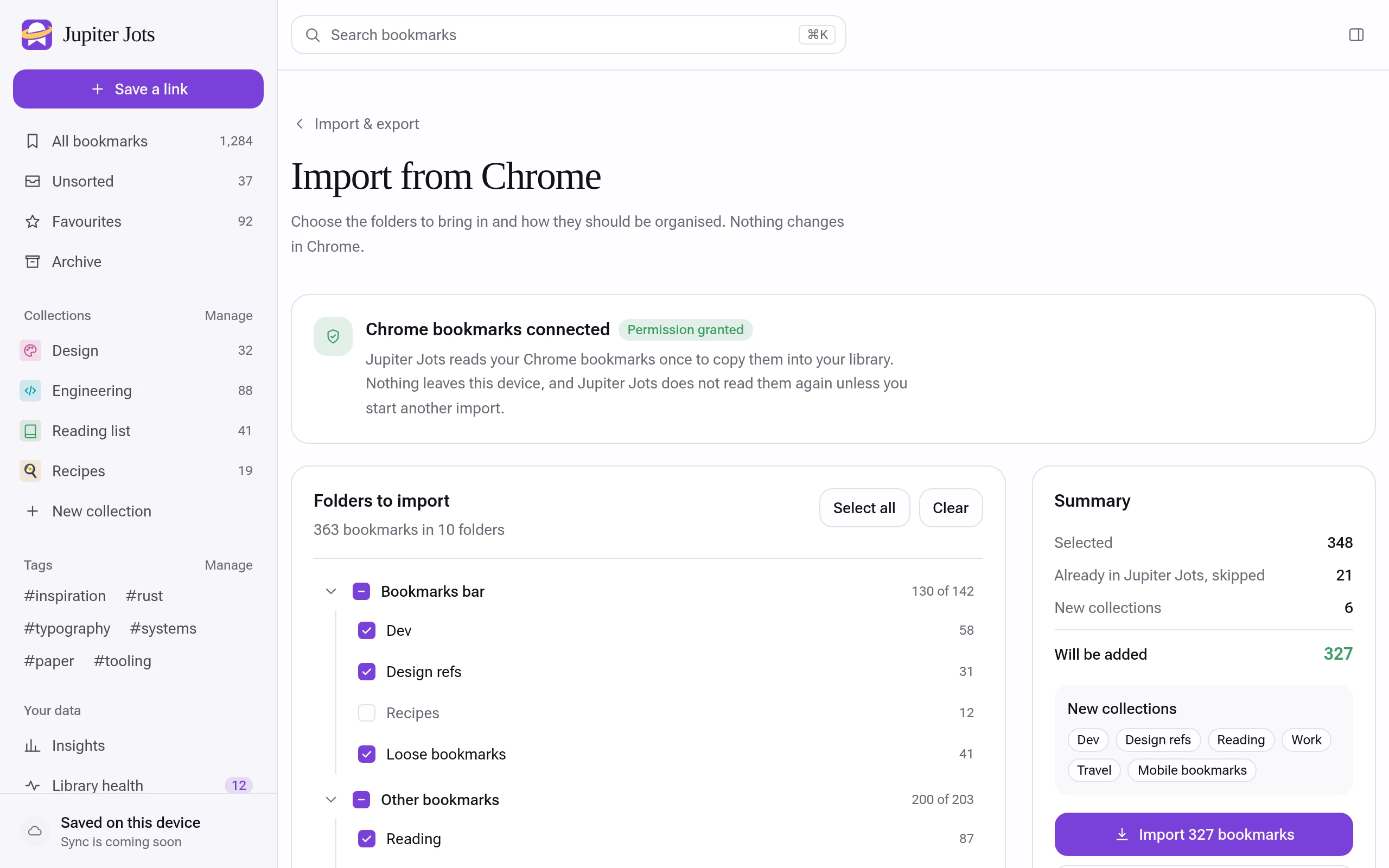
Import straight from Chrome, folders and all, with duplicates skipped. Firefox, Safari and Edge files, Raindrop and Pocket CSVs work too.
Export any time as JSON, HTML or CSV.
See what you go back to
What you open, when you read, and what you saved but never opened. Worked out on your computer.

There is no Jupiter Jots server
Read the privacy policy- Stored in your browser
- Bookmarks, notes and collections live in IndexedDB on this computer.
- No account, no tracking
- Nothing to sign up for. No analytics, no ads.
- Free
- Every feature on this page costs nothing.
- Not synced yet
- Move your library between computers with export or a backup file.
Get Jupiter Jots
Free in Chrome today, and in Brave and Edge through the Chrome Web Store.
Also coming: sync across devices, reminders, and asking questions of your library. Changelog
ChromeAvailable now
Browser extension. Install from the Chrome Web Store.
BraveWorks now
Browser extension. Brave installs Chrome extensions. Add it from the Chrome Web Store.
Microsoft EdgeWorks now
Browser extension. Edge can install from the Chrome Web Store once you allow extensions from other stores.
Firefox
Browser extension. A Firefox version is in the works.
Coming soonAndroid
Phone app. Save from the share menu on your phone.
Coming sooniPhone and iPad
iOS app. Save from the share sheet on iPhone and iPad.
Coming soon

Try it on the next page you save
Import your Chrome bookmarks in one step. Your folders arrive as collections.
Add to Chrome (opens the Chrome Web Store in a new tab)Using another browser or a phone?